Design Proposal
AirSamarkand
A mobile booking app proposed to Air Samarkand — from planning a trip to changing a flight after booking.
- Client
- Air Samarkand
- Role
- UI/UX Design
- Platform
- Mobile app
- Status
- Design proposal — not selected
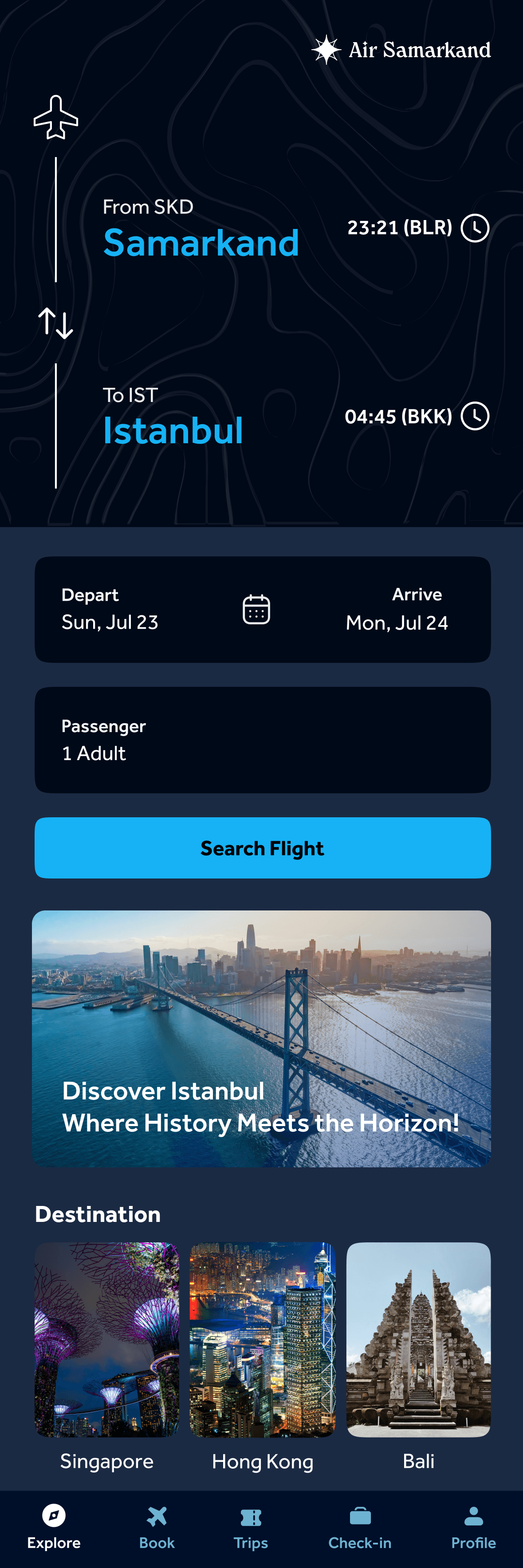
Plan a Trip
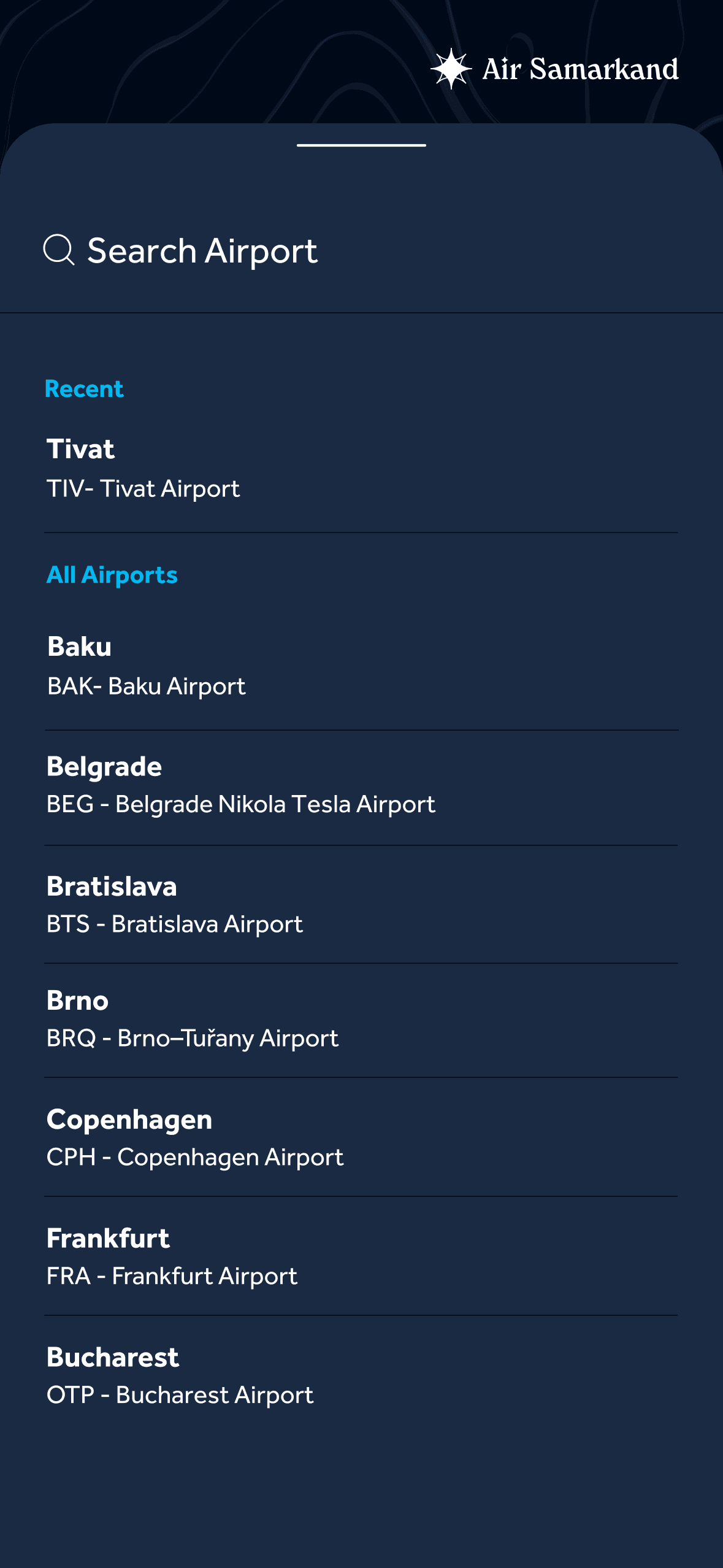
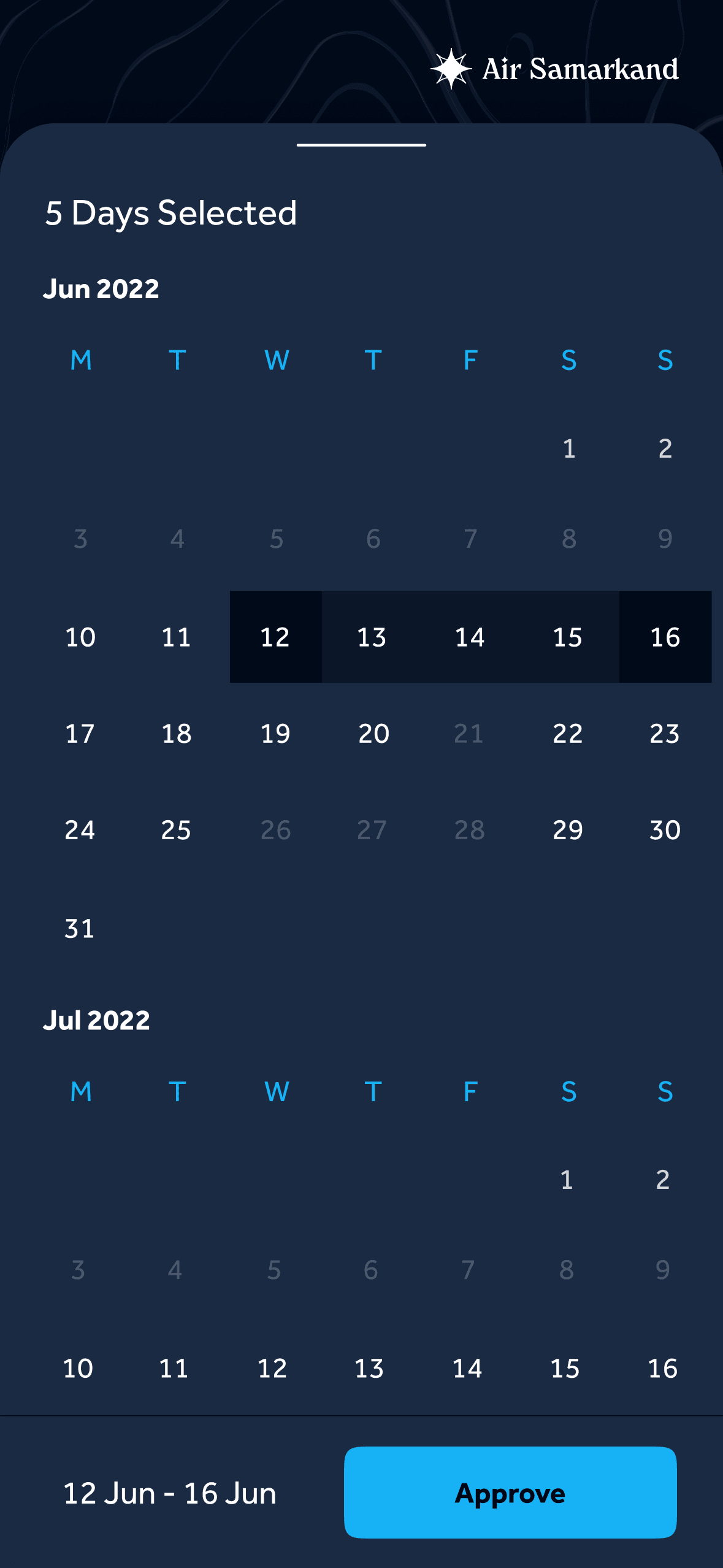
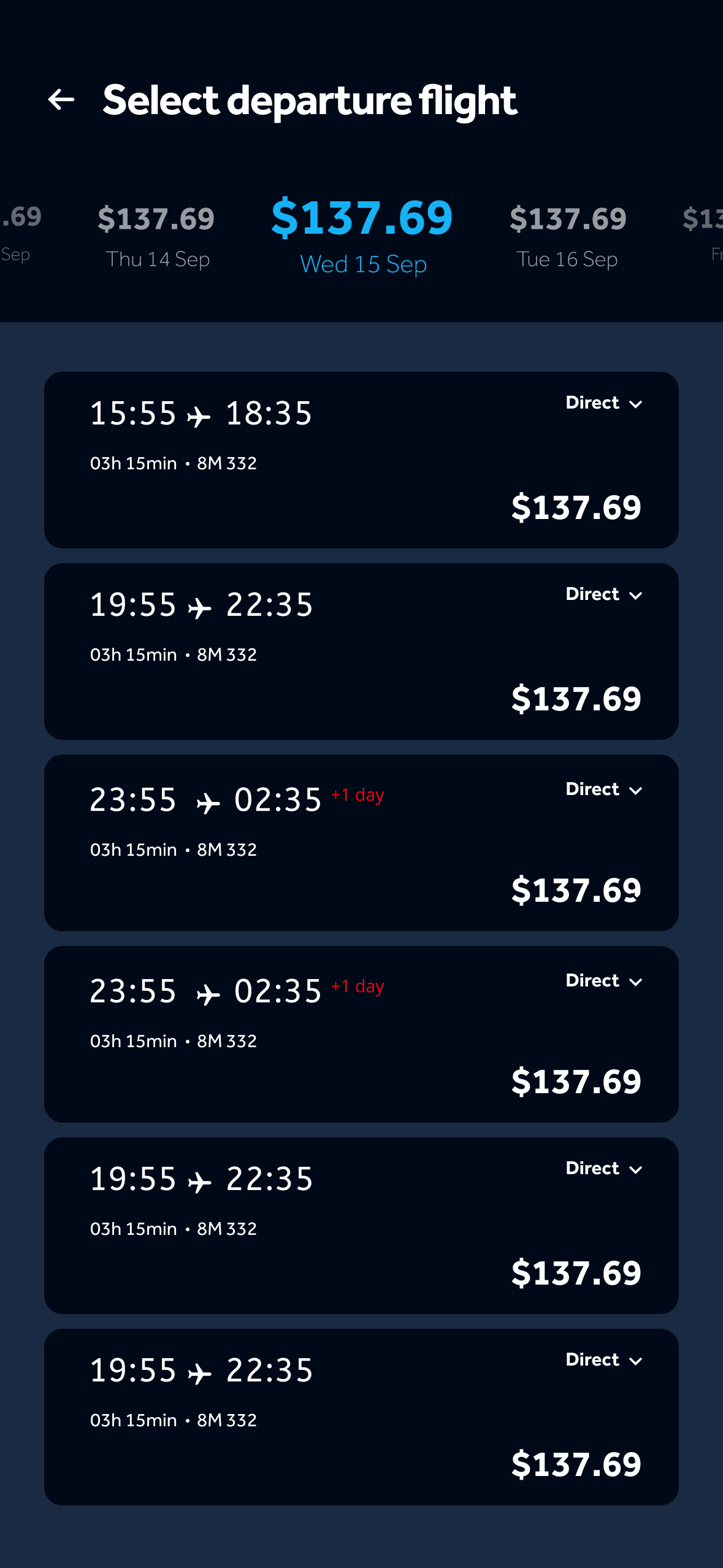
The app opens on the trip itself: origin, destination, dates and passengers on one card, with destinations below. Airport search and a range calendar follow, then a flight list with fares by date along the top.
a Search airport
b Choose dates
c Select a flight
Choose Your Journey
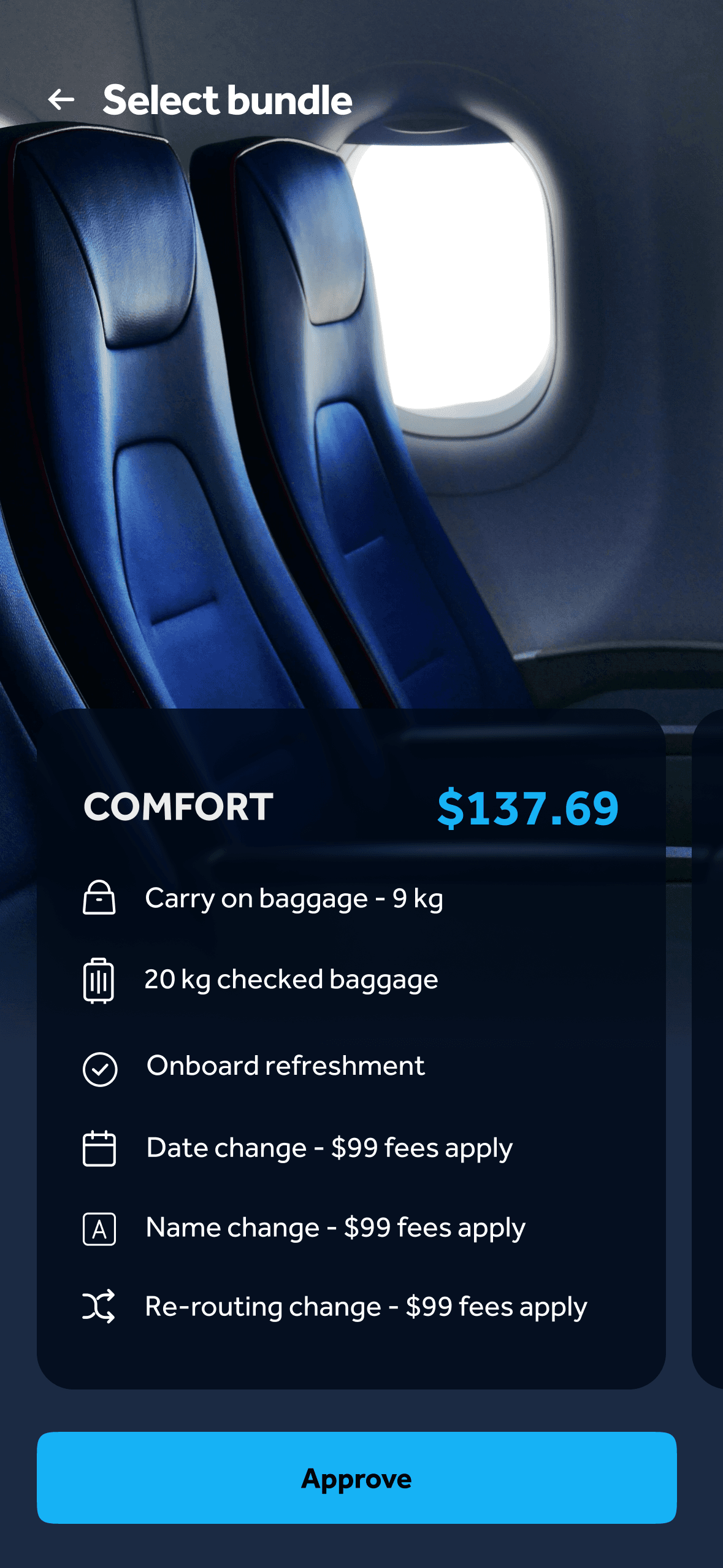
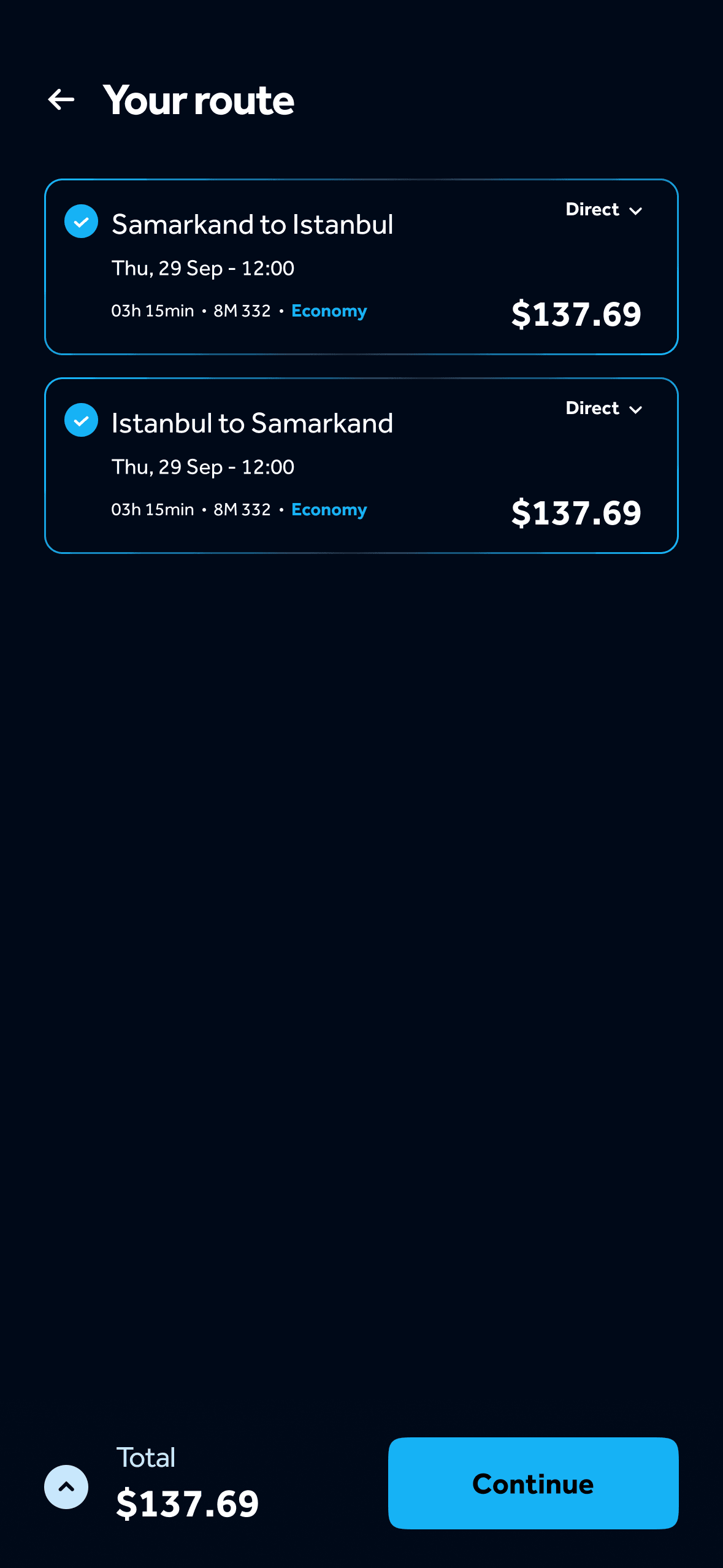
The fare bundle spells out what it includes — baggage, refreshment and change fees. The route summary confirms both legs and the total before passenger details are entered.
Select bundle
Route
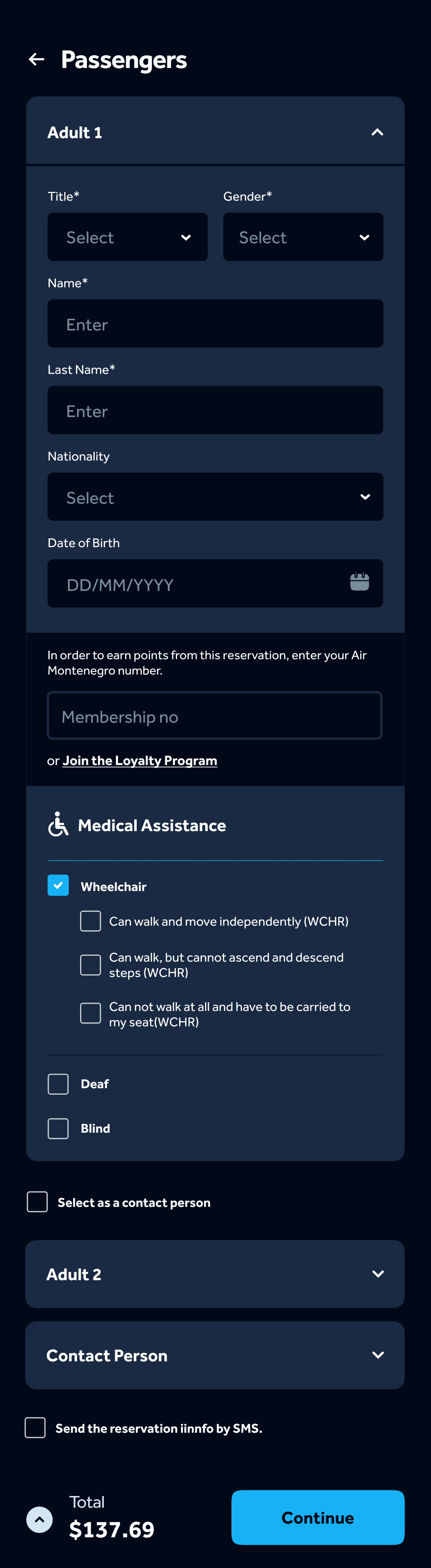
Passenger
Typeface
Effra
- Regular
- Medium
- Bold
Geometric and legible, chosen for clarity and a friendly, professional tone across the app.
Colour
- Bright Blue#16B2F5
- Dark Grey#1B2A43
- Light Grey#425067
- Background#000918
From Seat to Boarding
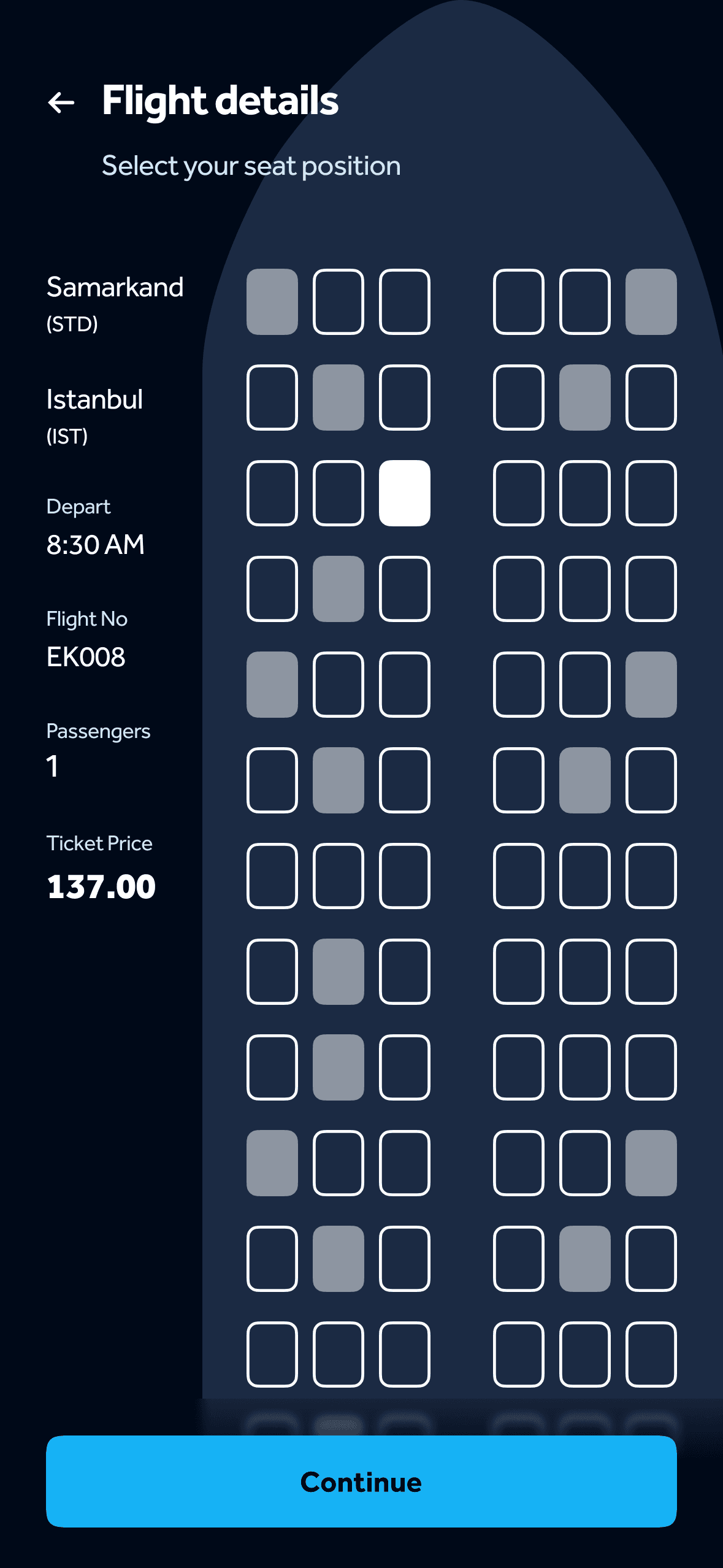
Seat selection keeps the flight and fare beside the map. The boarding pass carries route, gate, seat and class above a scannable code.
Seat
Boarding
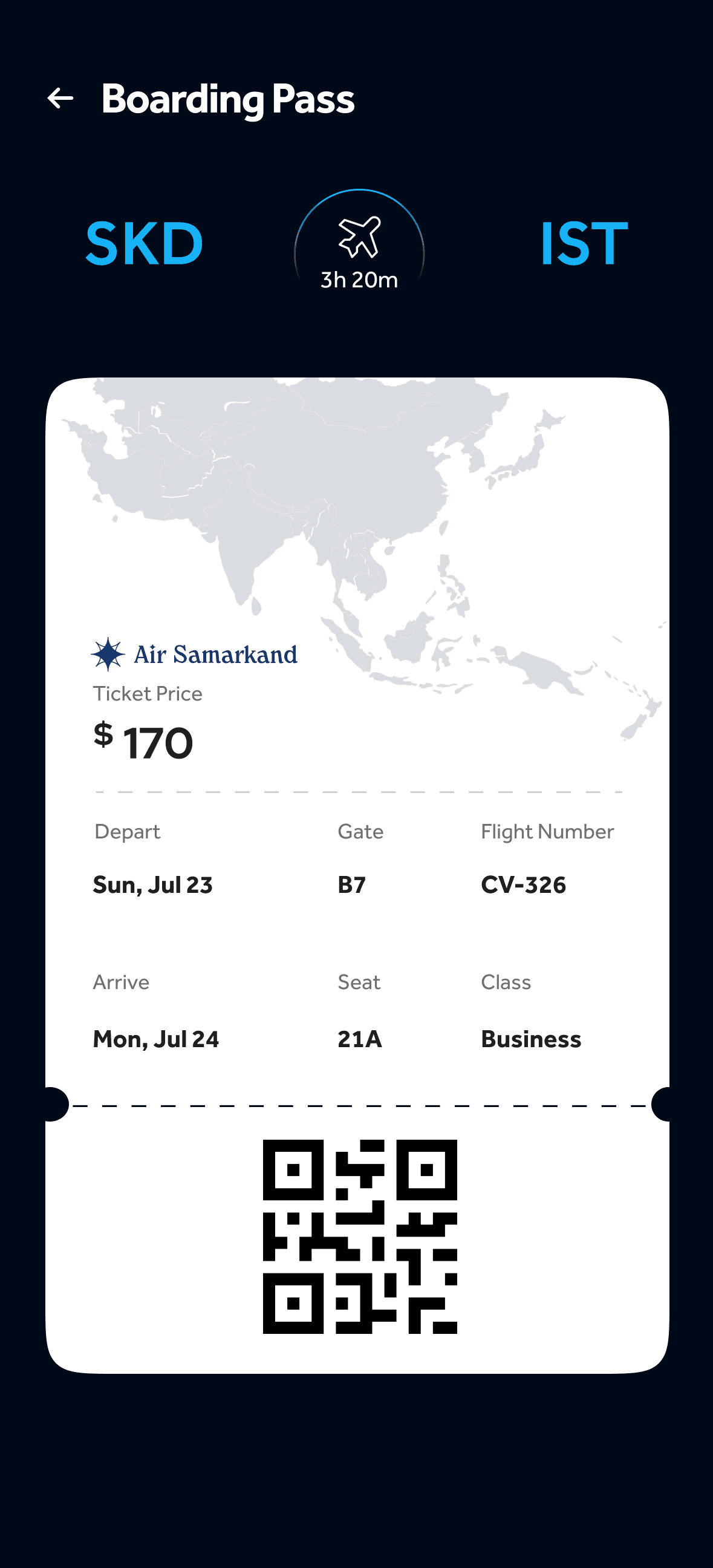
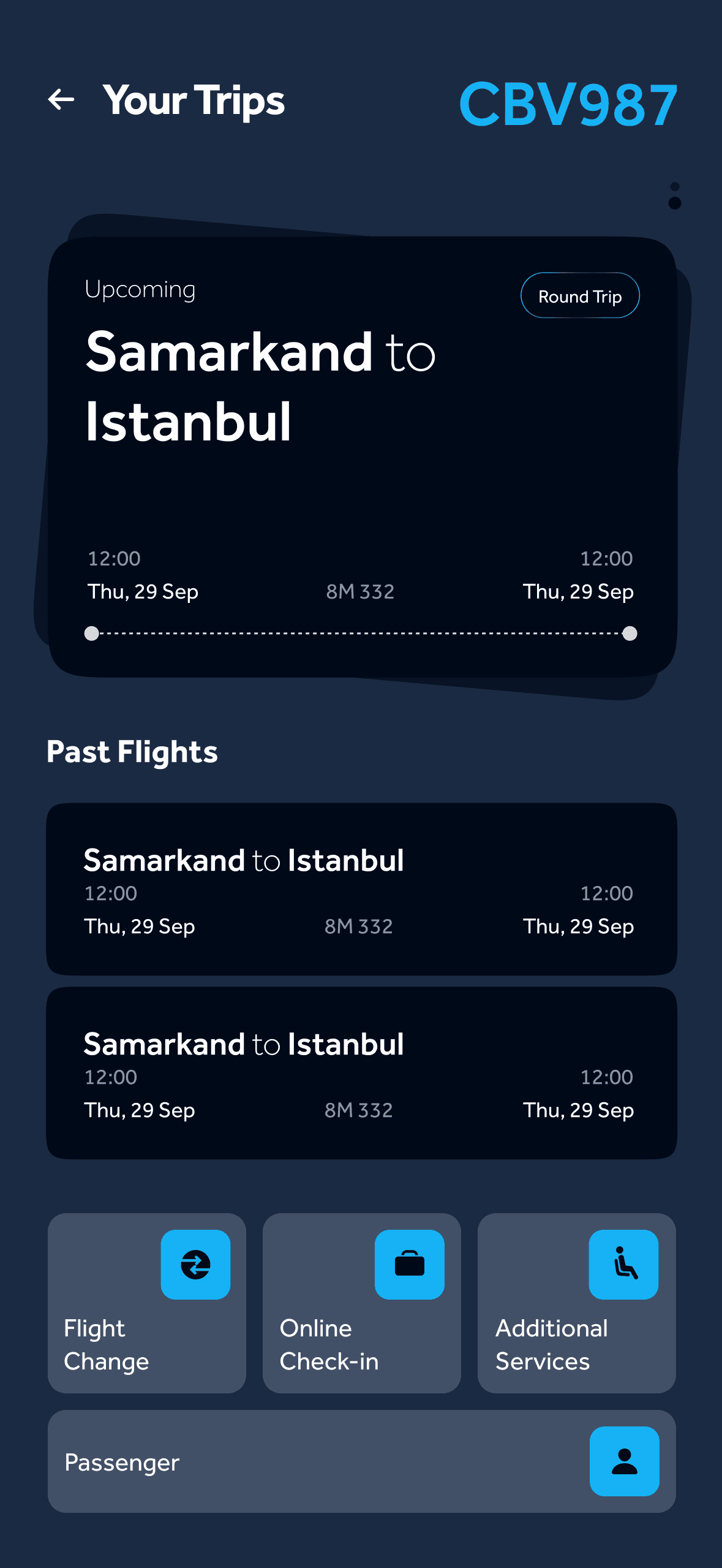
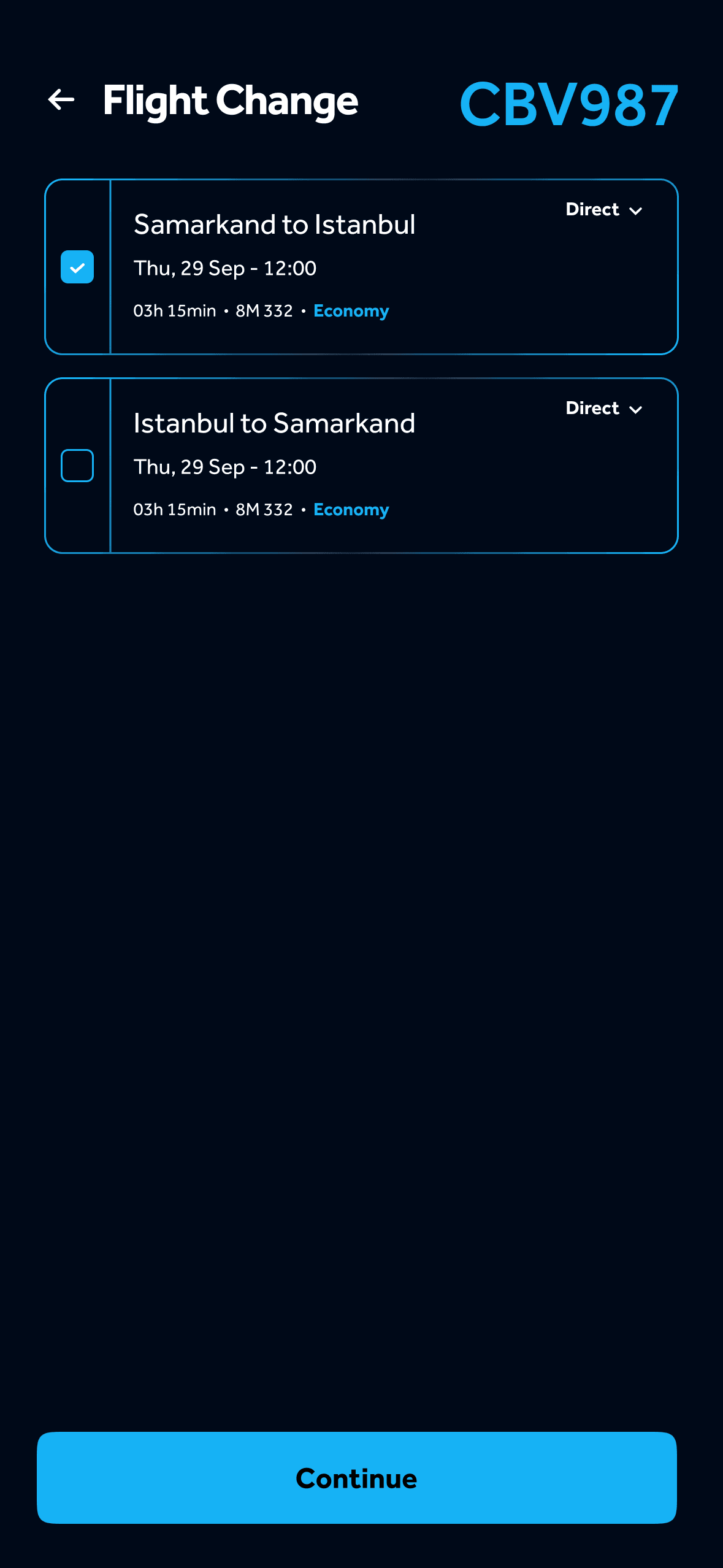
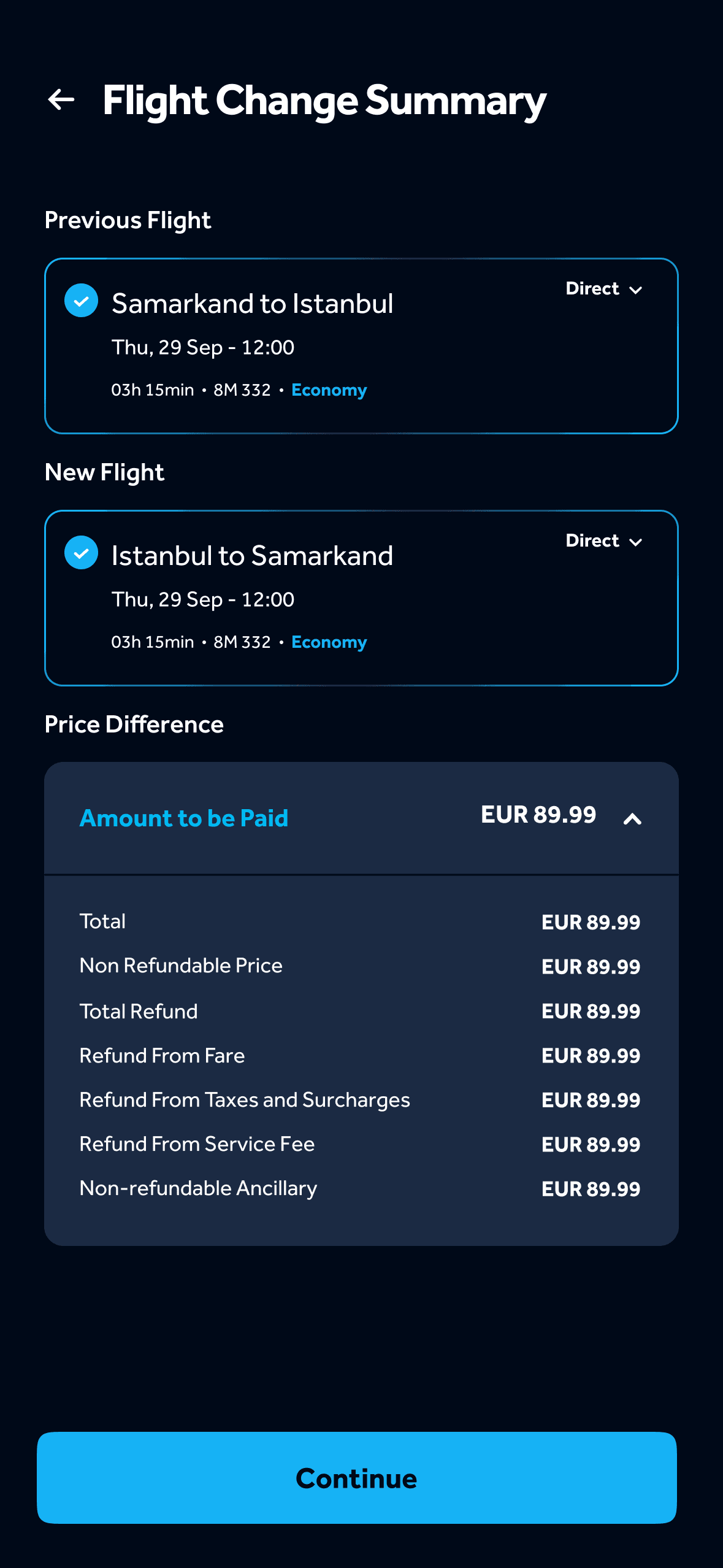
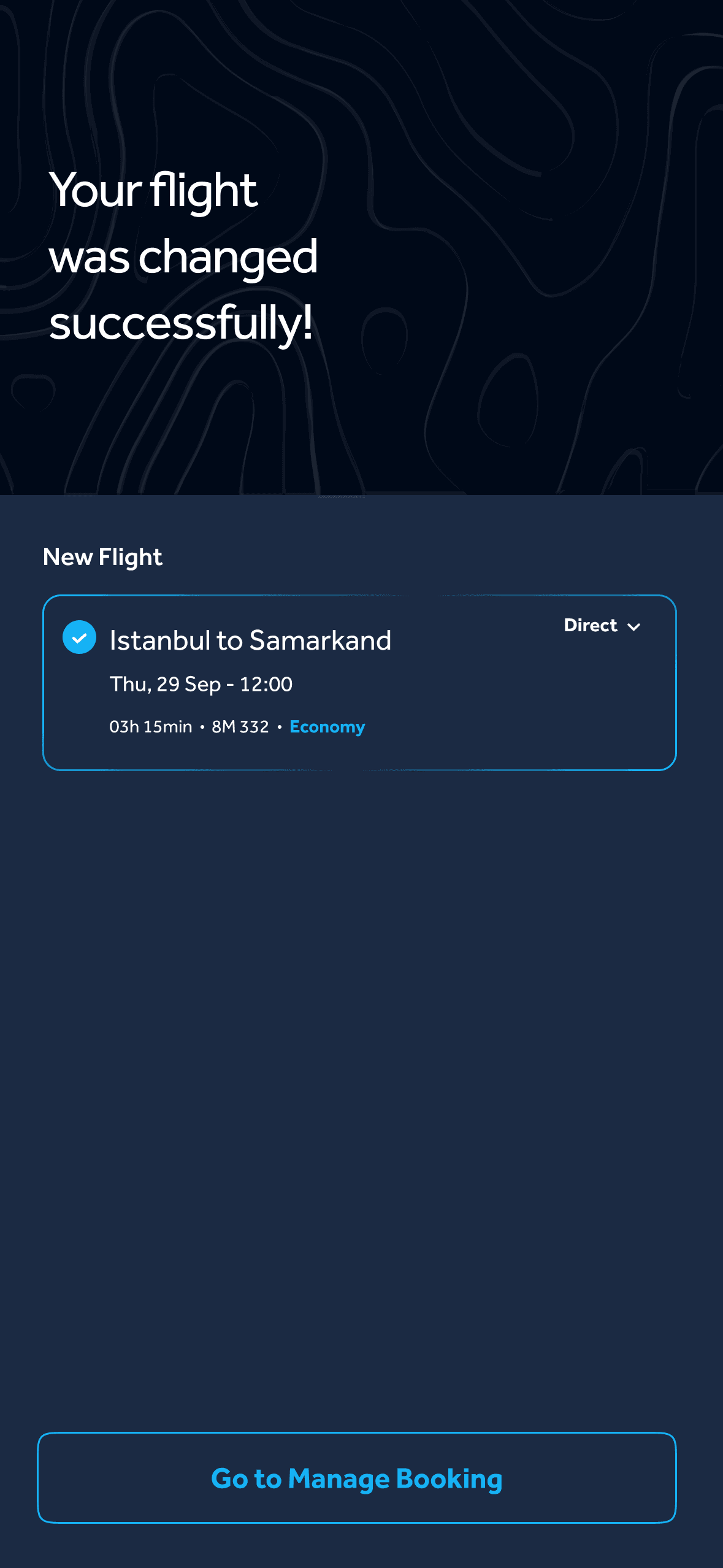
Your Trips holds the upcoming journey and past flights, with flight change, online check-in and additional services one tap away. Changing a flight runs through choosing the leg, reviewing the price difference and a clear confirmation.
Beyond Booking
01 Your trips
02 Choose the leg
03 Review the difference
04 — Confirmed
The change, confirmed.
The new flight, and a way back to manage the booking.
A different direction for the journey ahead.
PIA
Redesigning the Digital Travel Experience